
Introduction
Finding the best photo editing apps depends entirely on what you're actually trying to do — quick social media touch-ups, professional retouching, or building editing features into your own app. At Riftwood Studio, we've built photo and image processing features into multiple client apps, so this list is grouped by real use case rather than a generic "top 10" ranking, plus a free browser-based option from OmnifyTools for quick edits without downloading anything.
Whether you're a casual user or a developer scoping out what your own app's editing features should look like, this breaks down what each category of app actually does well.

Best Photo Editing Apps by Use Case
For Quick Social Media Edits
Apps built for speed over precision — crop, filter, adjust brightness, and post within seconds. Best for casual users who want their photo to look good without a learning curve.
- VSCO — clean presets, minimal interface, popular for a consistent aesthetic. Official site · App Store · Google Play
- Instagram's built-in editor — fastest option if you're posting straight to the platform. Official site · App Store · Google Play
What to look for: one-tap filters, preset templates, fast export, minimal ads.
For Professional-Level Retouching
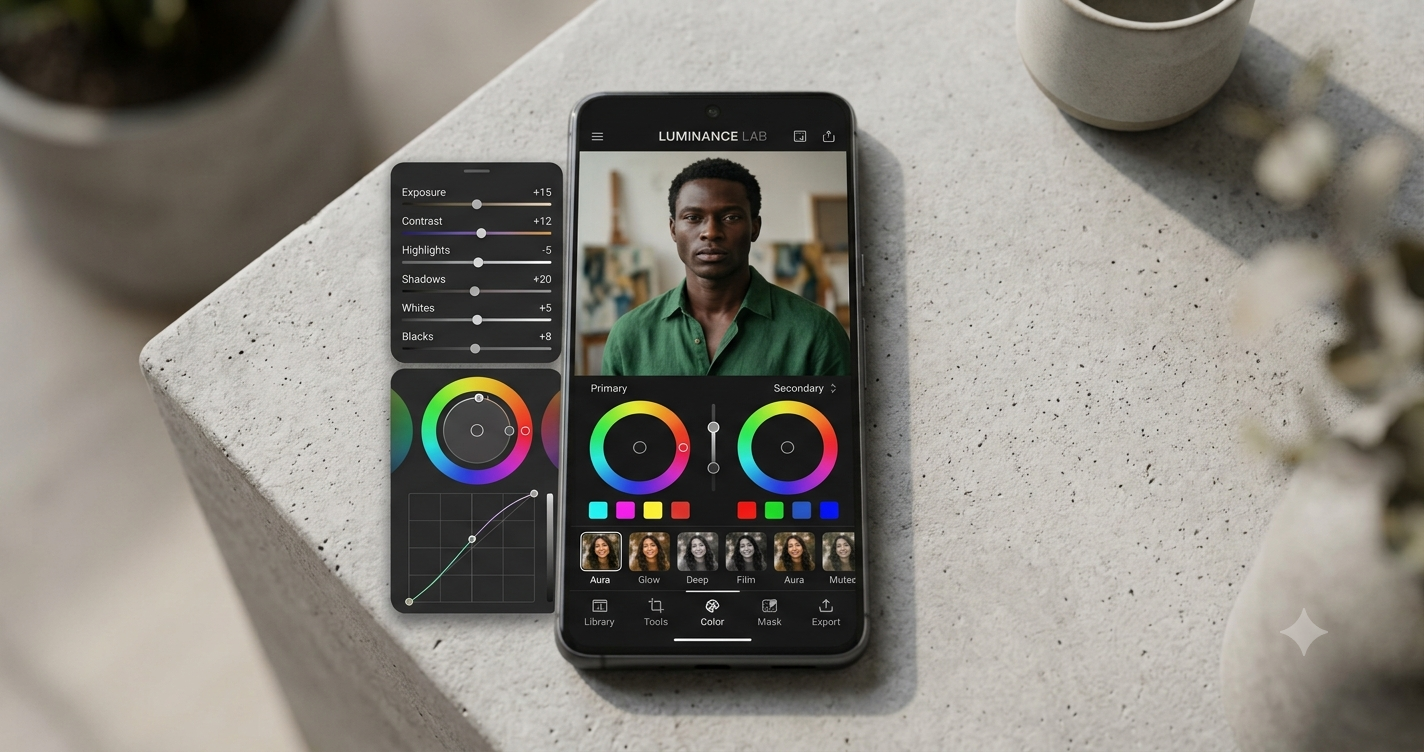
Apps offering layer-based editing, selective color correction, healing/clone tools, and RAW file support — closer to desktop-grade editing on a phone.
- Adobe Lightroom Mobile — industry-standard RAW editing and color grading, syncs with desktop. Official site · App Store · Google Play
- Snapseed — free, Google-owned, surprisingly powerful selective editing tools. Official site · App Store · Google Play
What to look for: non-destructive editing, RAW support, granular masking tools.
For Quick Browser-Based Edits (No App Install)
Sometimes you just need to resize, compress, or crop an image fast — without installing anything or creating an account. This is exactly the gap OmnifyTools fills with its free, no-signup image tools built for quick one-off edits directly in the browser.
For AI-Powered Editing
Newer apps use AI for background removal, object erasing, and auto-enhancement — reducing manual editing time significantly, especially useful for e-commerce or content creators processing many images quickly.
- Adobe Photoshop Express — AI object removal and one-tap auto-enhance. Official site · App Store · Google Play
- Facetune — AI-driven portrait retouching, widely used for quick face/skin edits. Official site · App Store · Google Play
Comparison: Choosing the Right Type of Photo Editor
| Use Case | Best App Type | Learning Curve | Cost |
|---|---|---|---|
| Social media posts | Mobile filter apps (VSCO, Instagram) | Very low | Free/freemium |
| Professional retouching | Layer-based apps (Lightroom, Snapseed) | Moderate to high | Paid/freemium |
| Quick one-off edits | Browser-based tools (OmnifyTools) | None | Free |
| Bulk/AI-powered editing | AI-driven apps (Photoshop Express, Facetune) | Low | Freemium |
| ## What Matters More Than the App Itself | |||
| 1. File size vs quality tradeoff — heavily edited/compressed photos can hurt load times if used on a website or app; always check export settings. | |||
| 2. Non-destructive editing — better apps let you undo/adjust without permanently altering the original file. | |||
| 3. Export format — JPEG for smaller file sizes, PNG for transparency, WebP for modern web performance. |
Building Photo Editing Into Your Own App
If you're a founder or developer thinking beyond just using these apps — and instead considering building similar editing features into your own product — the technical building blocks typically include:
Image upload → Canvas/GPU-based rendering
Filters → Shader-based or CPU pixel manipulation
Export → Compression + format conversion
Storage → CDN-backed asset delivery
This is the same category of image-processing architecture our team implements when building apps with photo or media features — from mobile apps to web platforms. If you're building a product with editing functionality baked in, Riftwood Studio's app development team can architect this properly from the start rather than bolting on a third-party SDK that limits customization later.
Conclusion
The "best" photo editing app really depends on whether you need speed, precision, or zero-install convenience — and for that last one, OmnifyTools offers free, browser-based image tools with no signup required. If you're building an app or platform that needs custom photo or media editing features, Riftwood Studio builds these systems from the ground up. Explore more app development breakdowns on the Riftwood Studio blog.