
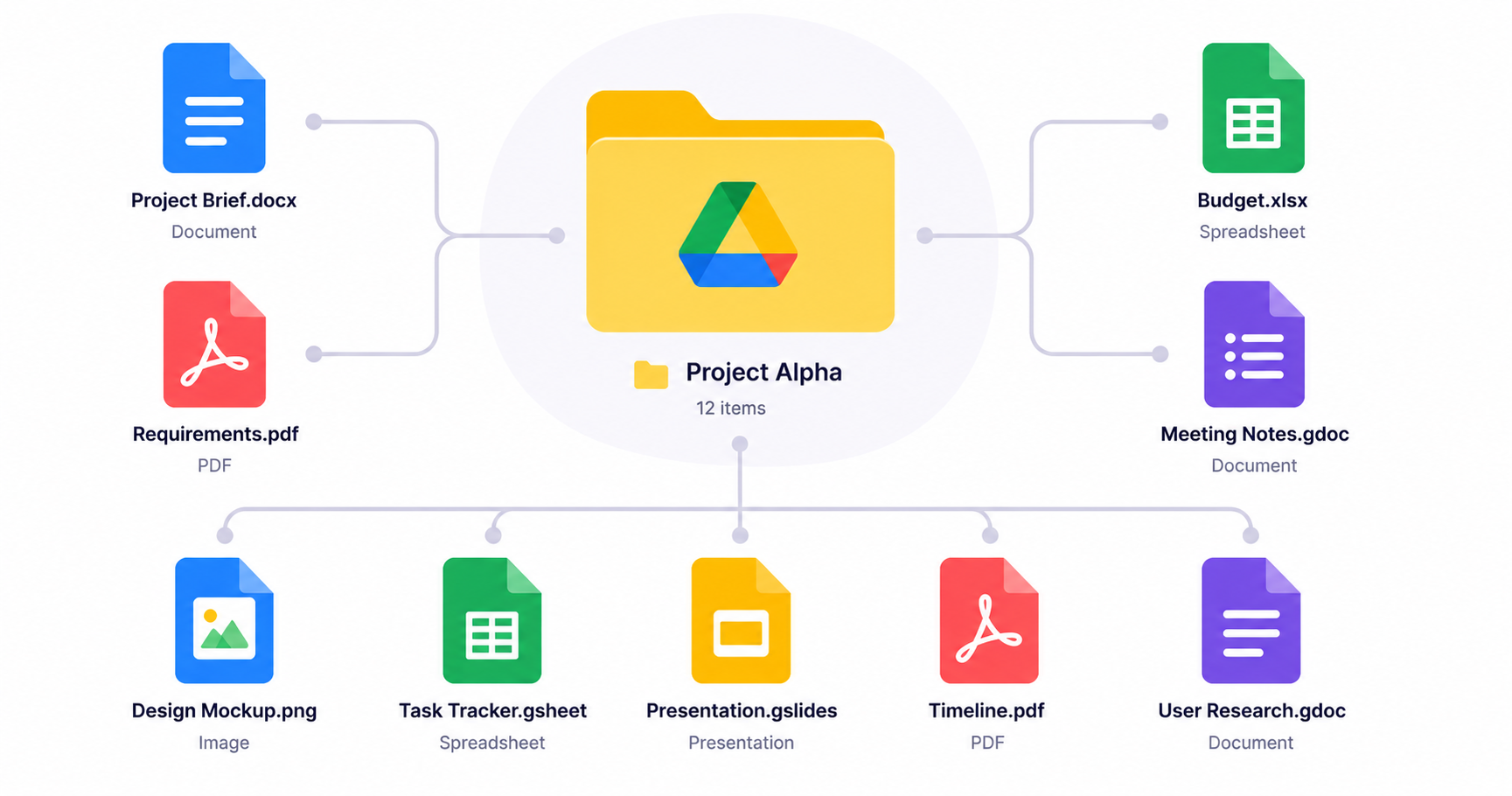
Google Drive Review 2026: Cloud Storage Built Into Your Workflow
Google Drive isn't just a storage bucket — it's the connective tissue that ties Docs, Sheets, and Slides together into one searchable, shareable system. For teams already inside the Google ecosystem, it's often the default choice without much debate. Here's a closer look at how it performs in 2026.
What Is Google Drive?
Google Drive is Google's cloud storage service, offering file storage, search, and sharing that integrates directly with Google Workspace apps. Shared Drives let teams manage files collectively rather than tying ownership to individual accounts.
Key Features
- Deep integration with Docs, Sheets, and Slides
- Powerful search, including text recognition inside scanned documents
- Shared Drives for team-owned file storage
- Granular sharing permissions, down to individual files
- Offline access for select files on desktop and mobile
Pros and Cons
Pros:
- Seamless with the rest of Google Workspace
- Excellent search, even inside images and PDFs
- Simple sharing and permission management
Cons:
- Storage counted against your overall Google account limit
- Less robust version history than Dropbox
- Best features require a full Workspace subscription
Pricing
Google Drive comes bundled with Google Workspace plans, with storage limits increasing at each tier. Individual Google One plans are also available for personal use outside of Workspace.
Who Should Use Google Drive?
Google Drive makes the most sense for teams already using Google Workspace who want file storage tightly integrated with their documents and spreadsheets rather than a standalone system.
Alternatives to Consider
Teams on mixed operating systems or handling large media files may prefer Dropbox instead. Compare both in our 20 cloud-based productivity apps roundup.
Google Drive's sharing works well internally, but building secure client-facing portals on top of it usually requires custom development. Riftwood Studio can build that layer for you. Contact Riftwood Studio.