
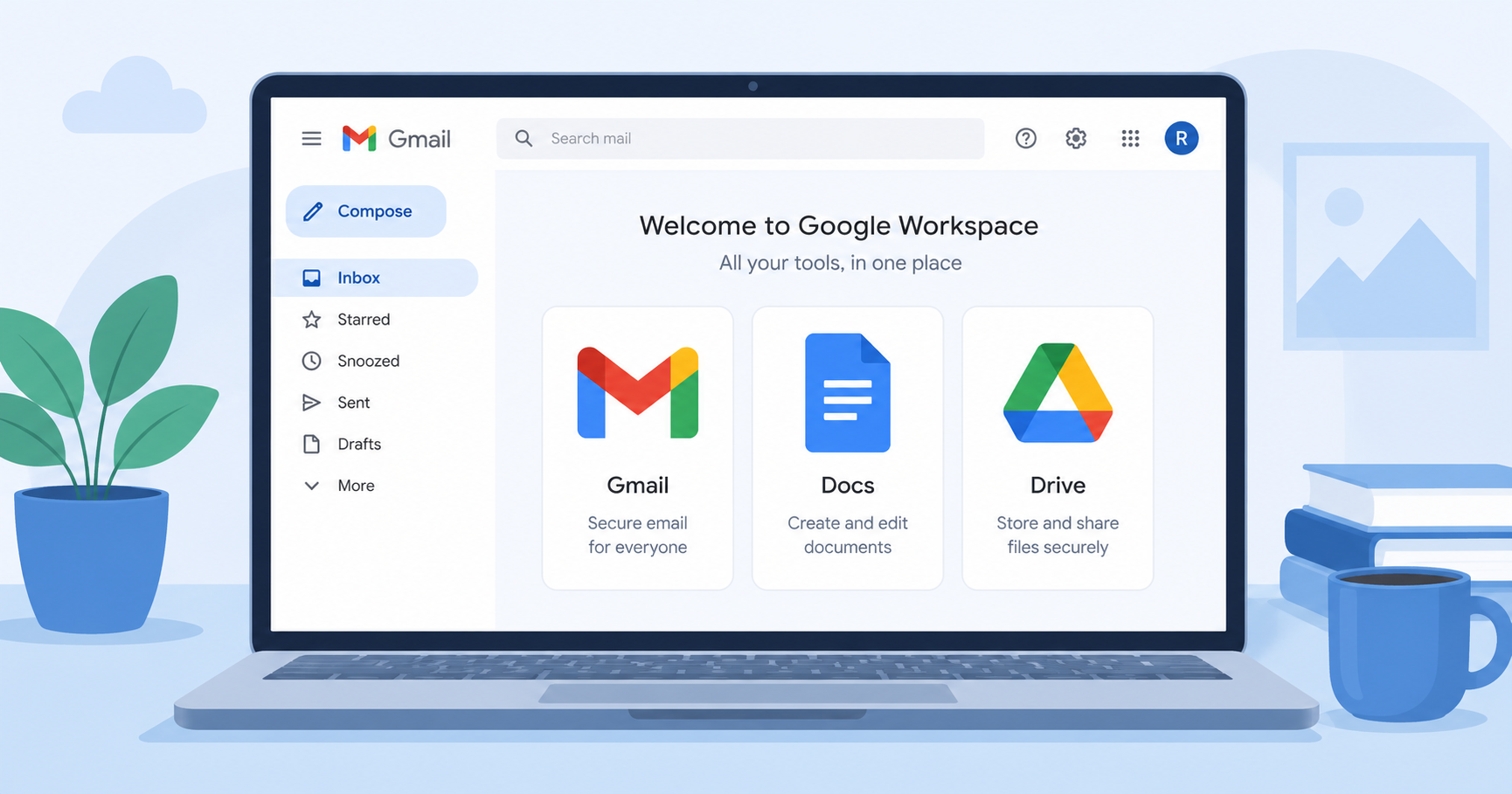
Google Workspace Review 2026: Is It Still the Best Cloud Suite for Teams?
If you've ever joined a company and been handed a Gmail address on day one, you've already used Google Workspace. It's one of the most widely adopted cloud productivity suites in the world, bundling email, documents, spreadsheets, presentations, and storage into a single subscription. But with newer, more specialized tools competing for the same budget, is Google Workspace still worth it in 2026? This review breaks down what it does well, where it falls short, and who it's actually built for.
What Is Google Workspace?
Google Workspace is Google's cloud-based productivity suite, combining Gmail, Google Docs, Sheets, Slides, Drive, Meet, and Calendar under one login and one admin console. Everything is browser-based and syncs in real time, which means multiple people can edit the same document simultaneously without version conflicts.
Key Features
- Real-time collaboration across Docs, Sheets, and Slides with visible cursors and inline comments
- Gmail with custom domains, integrated directly with Calendar and Meet
- Google Drive storage with shared drives for team-wide file access
- Admin console for managing users, permissions, and security policies at scale
- Deep third-party integrations through the Google Workspace Marketplace
Pros and Cons
Pros:
- Extremely easy to learn, even for non-technical teams
- Best-in-class real-time collaboration
- Reliable uptime and mobile apps
Cons:
- Fewer advanced formatting and offline features than desktop-first suites
- Storage limits can get tight for media-heavy teams
- Admin controls are less granular than some enterprise-focused alternatives
Pricing
Google Workspace pricing scales per user, starting with a Business Starter tier for small teams and moving up to Business Standard and Business Plus tiers with more storage and admin controls. Enterprise plans are available for larger organizations with custom security needs.
Who Should Use Google Workspace?
Google Workspace is the strongest fit for startups, agencies, and small-to-mid-size teams that need to collaborate in real time without a steep learning curve. Teams already using Chrome, Android, or other Google products will find it integrates almost seamlessly into daily workflows.
Alternatives to Consider
If your team is already invested in Windows and needs deeper enterprise controls, Microsoft 365 is worth comparing before you commit. For a broader look at how it stacks up against 19 other tools, check out our full roundup of 20 cloud-based productivity apps.
Choosing the right productivity stack is only half the battle — making it actually work for your team's specific processes is the other half. Riftwood Studio builds custom internal tools and integrations for teams that need more than an off-the-shelf suite can offer. Talk to Riftwood Studio about tailoring your workflow.