
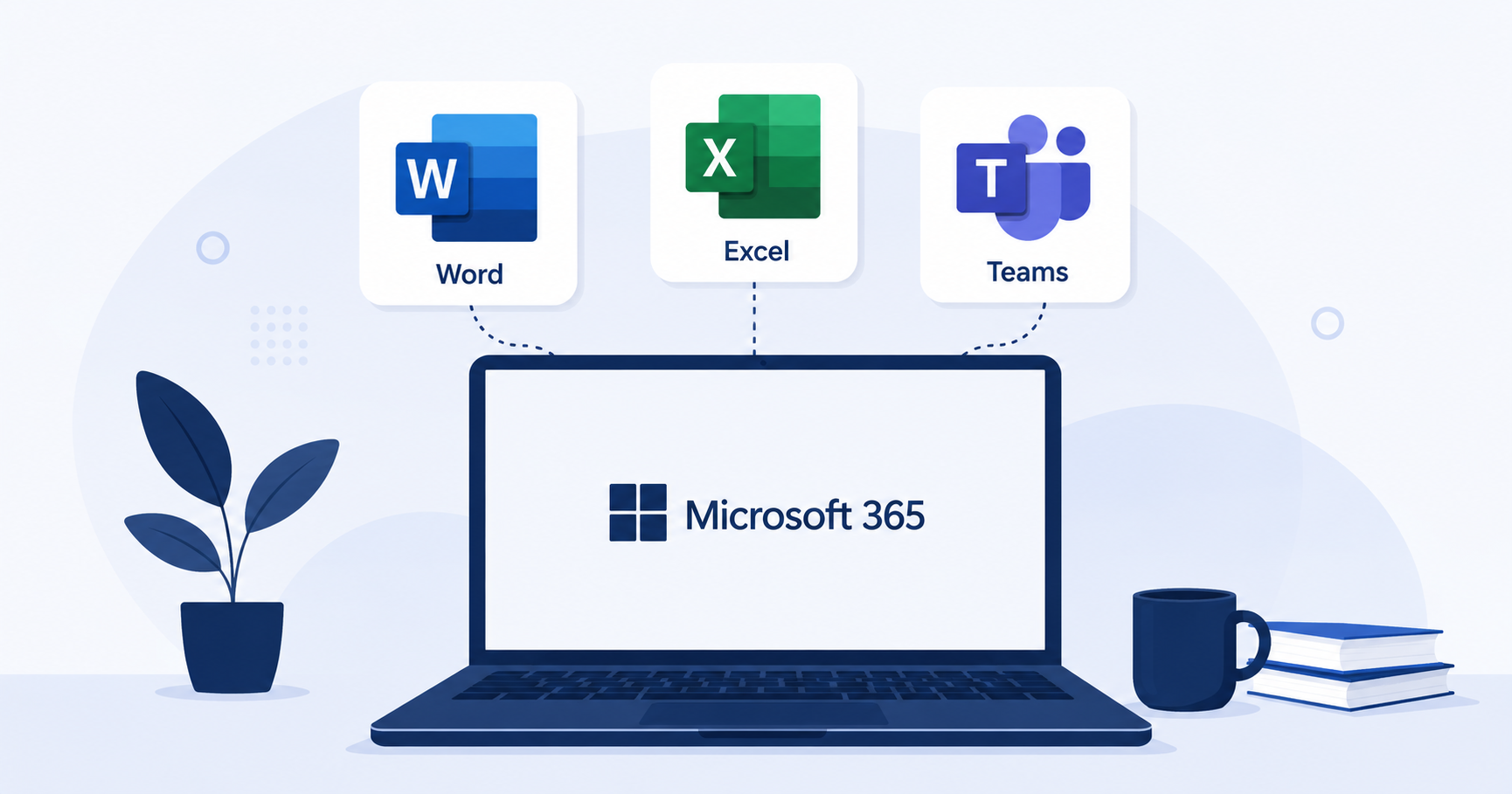
Microsoft 365 Review 2026: Pricing, Features, and Who It's Really For
For decades, Word, Excel, and PowerPoint defined what "office software" meant, and Microsoft 365 is the cloud-first evolution of that legacy. It now bundles the classic Office apps with Teams, SharePoint, and OneDrive into a single enterprise-ready subscription. This review looks at whether it's still the right backbone for your organization in 2026.
What Is Microsoft 365?
Microsoft 365 is a subscription suite that combines the traditional Office desktop apps with cloud storage (OneDrive), team messaging (Teams), and intranet tools (SharePoint). Unlike purely browser-based competitors, it offers robust desktop applications alongside web versions, giving users more offline flexibility.
Key Features
- Full desktop and web versions of Word, Excel, and PowerPoint
- Microsoft Teams for chat, video calls, and file collaboration
- OneDrive and SharePoint for cloud storage and intranet-style document libraries
- Advanced admin and compliance tools built for regulated industries
- Power Automate and Power BI integrations for workflow automation and reporting
Pros and Cons
Pros:
- Unmatched depth in spreadsheet and document formatting
- Strong offline desktop app support
- Granular security and compliance controls for enterprise use
Cons:
- Steeper learning curve than browser-first competitors
- Teams' interface can feel cluttered for smaller teams
- Higher price point at the top tiers
Pricing
Microsoft 365 offers tiers ranging from Business Basic (web and mobile apps only) to Business Standard and Premium, which add desktop apps and advanced security. Enterprise (E-series) plans exist for larger organizations with compliance and identity management needs.
Who Should Use Microsoft 365?
Microsoft 365 makes the most sense for established businesses, regulated industries, and organizations that rely heavily on complex Excel models or need enterprise-grade compliance and device management.
Alternatives to Consider
Smaller, browser-first teams may prefer the simplicity of Google Workspace. See how both compare to 18 other tools in our 20 cloud-based productivity apps roundup.
Rolling out Microsoft 365 across a growing team often surfaces gaps that off-the-shelf settings can't fix — custom SharePoint intranets, Power Automate workflows, or Teams integrations built around your exact process. Riftwood Studio builds these custom layers. Get in touch with Riftwood Studio to discuss your setup.