
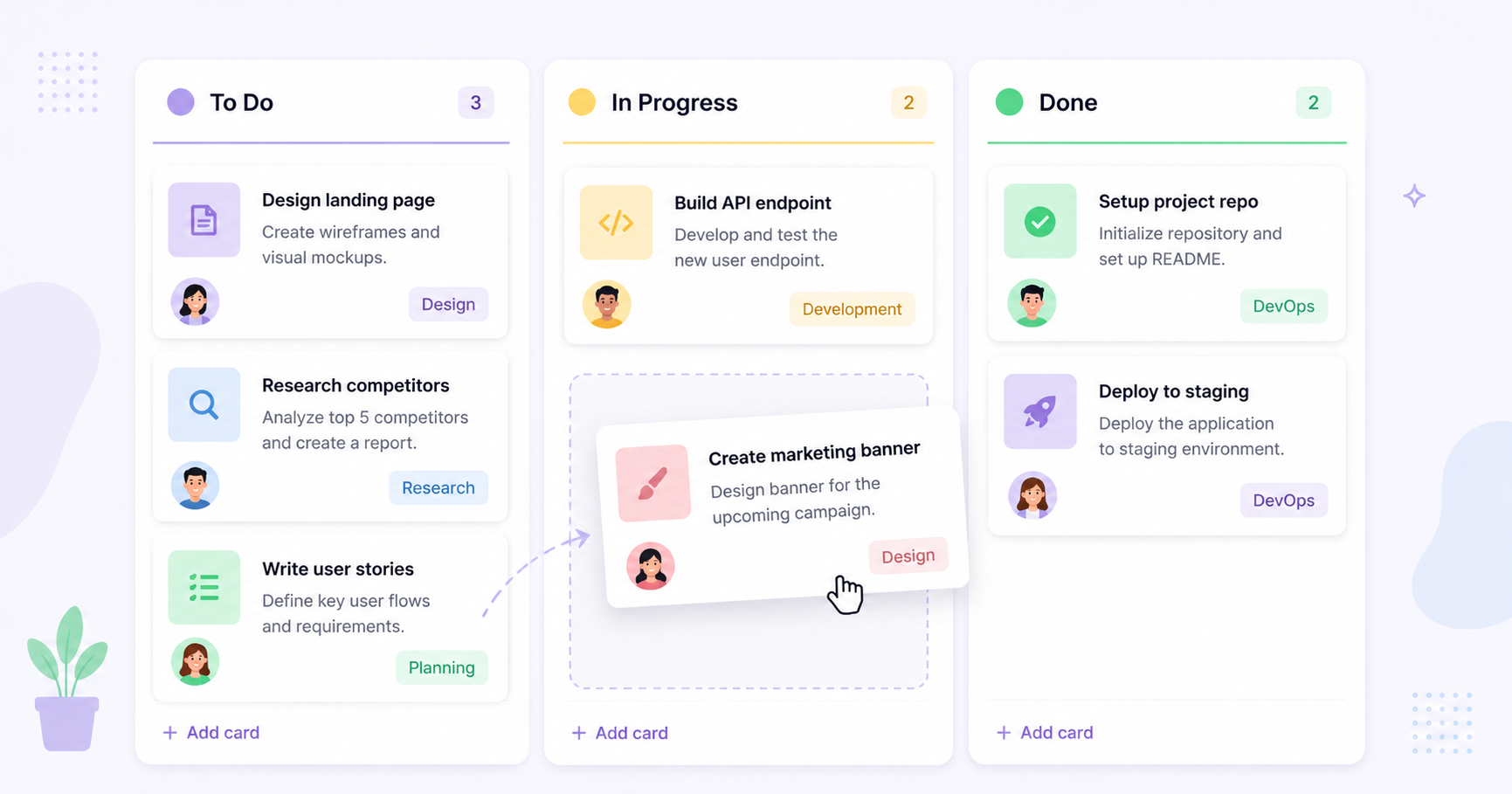
Trello Review 2026: Simple Kanban Boards for Small Teams
Trello popularized the Kanban board for everyday project management, turning a manufacturing concept into something anyone could use with drag-and-drop cards. It remains one of the fastest tools to learn in the productivity space. Here's a full look at what Trello offers in 2026.
What Is Trello?
Trello is a visual project management tool built around boards, lists, and cards. Each card represents a task that can be moved across columns — like "To Do," "In Progress," and "Done" — to track progress at a glance.
Key Features
- Drag-and-drop Kanban boards with unlimited cards and lists
- Power-Ups that add calendar views, automation, and integrations
- Butler automation for rule-based actions without code
- Checklists, due dates, and attachments on individual cards
- Templates for common workflows like content calendars and sprints
Pros and Cons
Pros:
- Extremely easy to learn in minutes
- Clean, visual interface
- Generous free plan for small teams
Cons:
- Can get messy on very large or complex projects
- Limited native reporting compared to heavier tools
- Advanced features require paid Power-Ups
Pricing
Trello has a free plan with unlimited cards and up to 10 boards per workspace, with Standard, Premium, and Enterprise tiers unlocking more Power-Ups, views, and admin controls.
Who Should Use Trello?
Trello is ideal for freelancers, small teams, and anyone who wants simple visual task tracking without a complicated setup process.
Alternatives to Consider
Teams managing multiple overlapping projects with dependencies may outgrow Trello and prefer Asana. See how it stacks up in our 20 cloud-based productivity apps roundup.
Trello's Butler automation handles simple rules, but growing teams often need custom boards, integrations, or reporting dashboards it can't provide out of the box. Riftwood Studio builds these custom extensions. Contact Riftwood Studio to learn more.